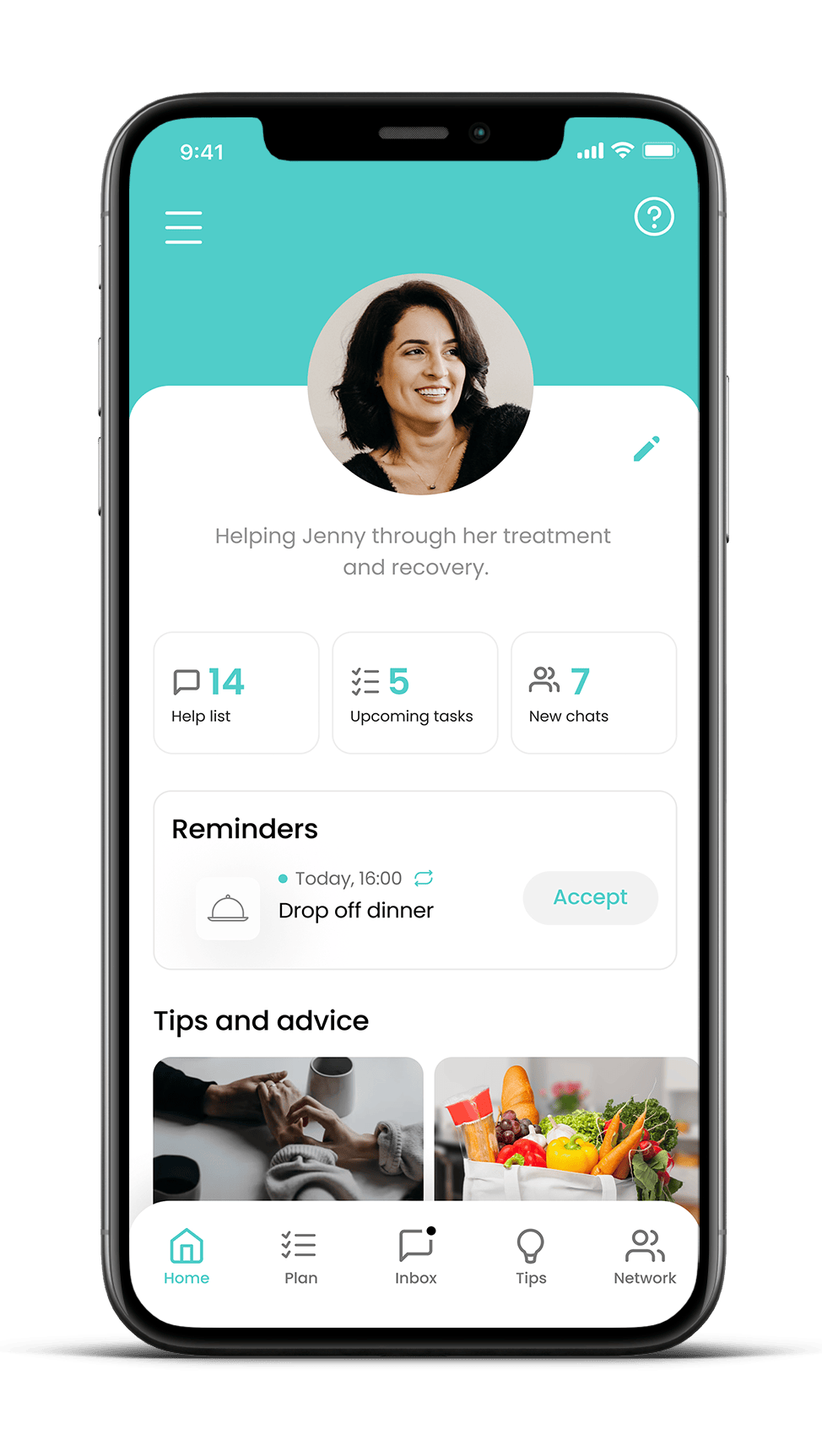
Gather My Crew helps you bring together the people who care about you, and makes it easy for them to offer the right help at the right time.
Step 1: Start a Crew
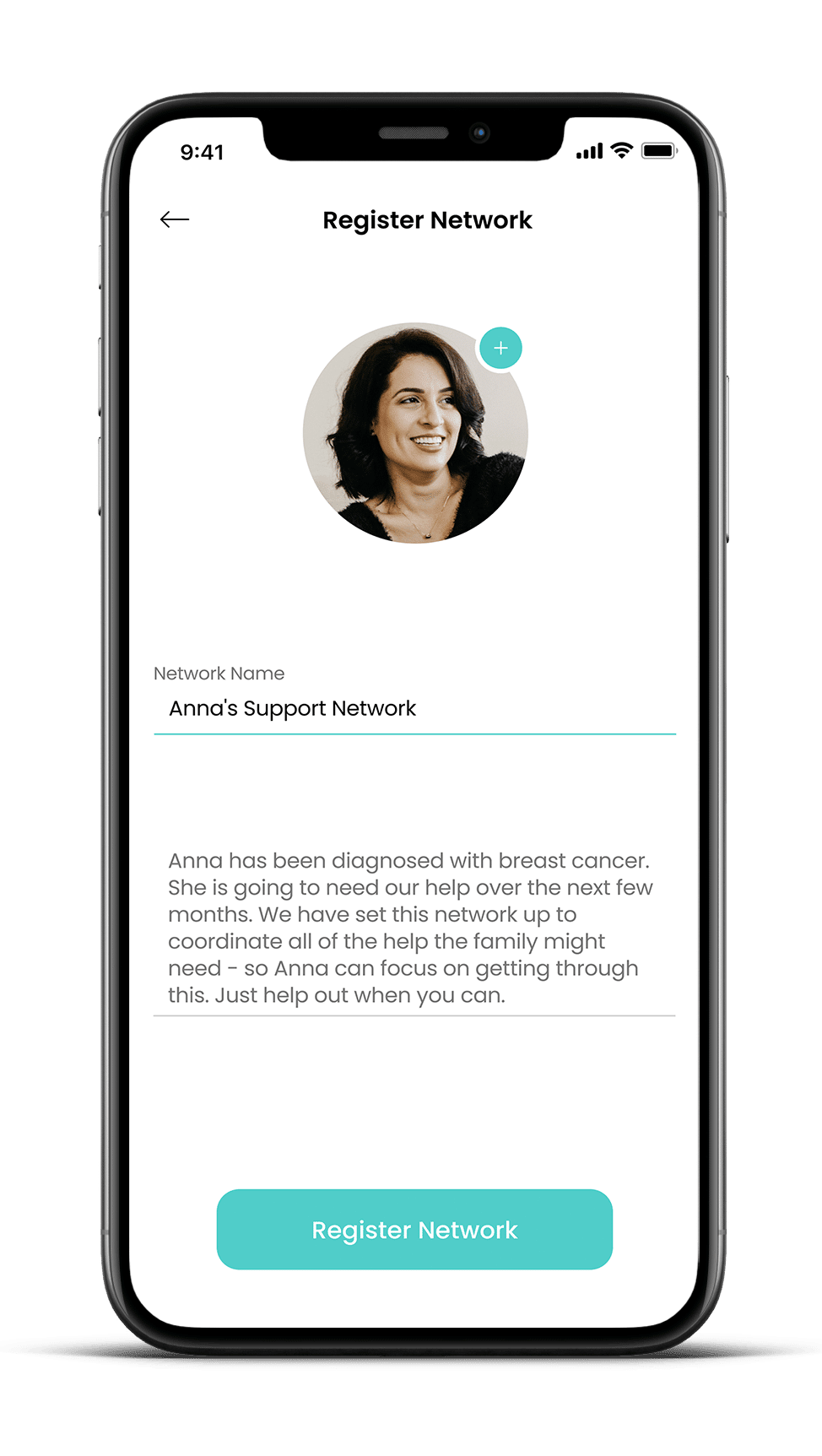
Download the free app and create a private support crew. You can do this for yourself or for someone you’re helping.
Step 2: Answer a few simple questions
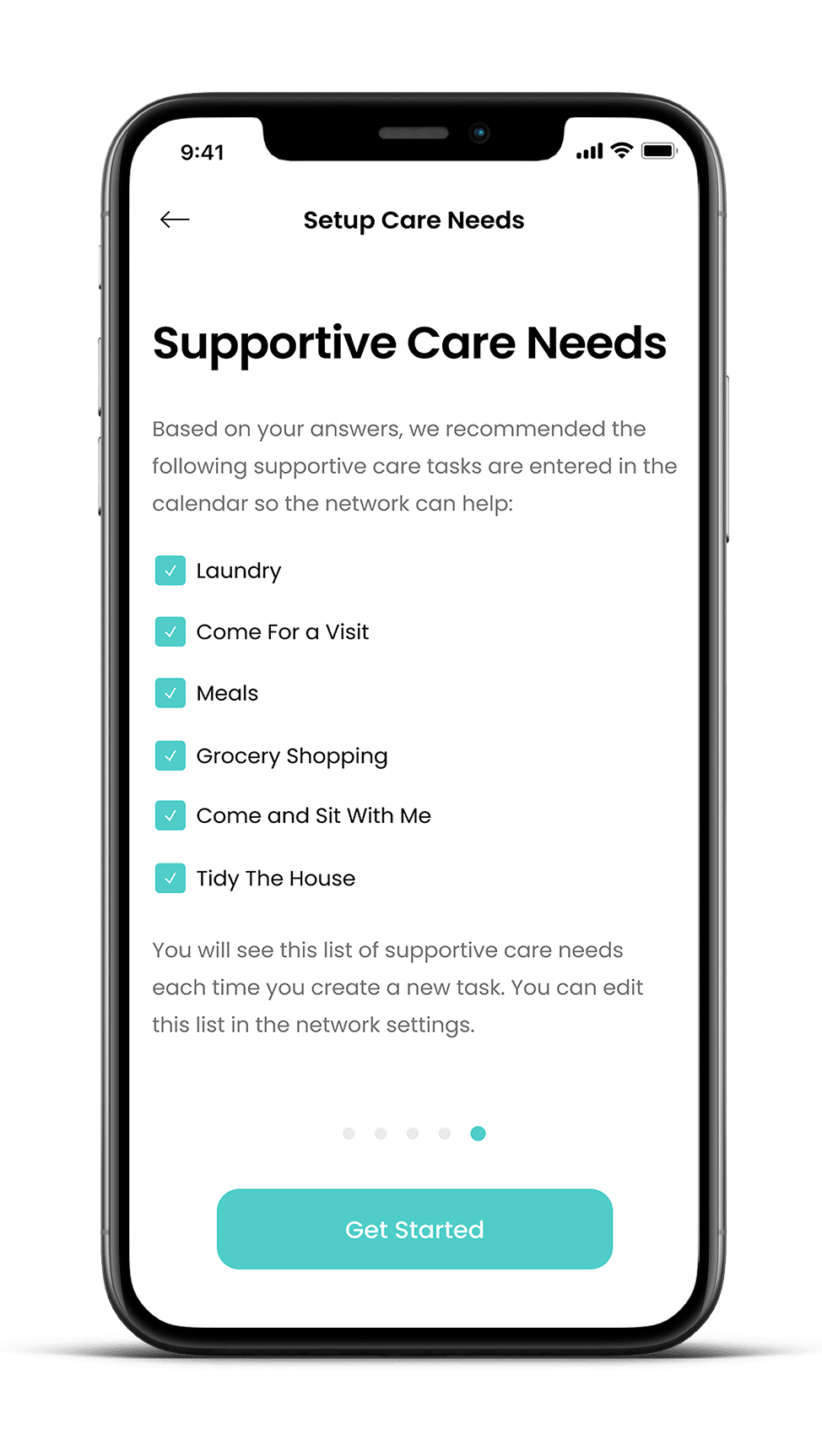
We’ll guide you through a few prompts to help you think about what kinds of help and care would really make a difference right now.
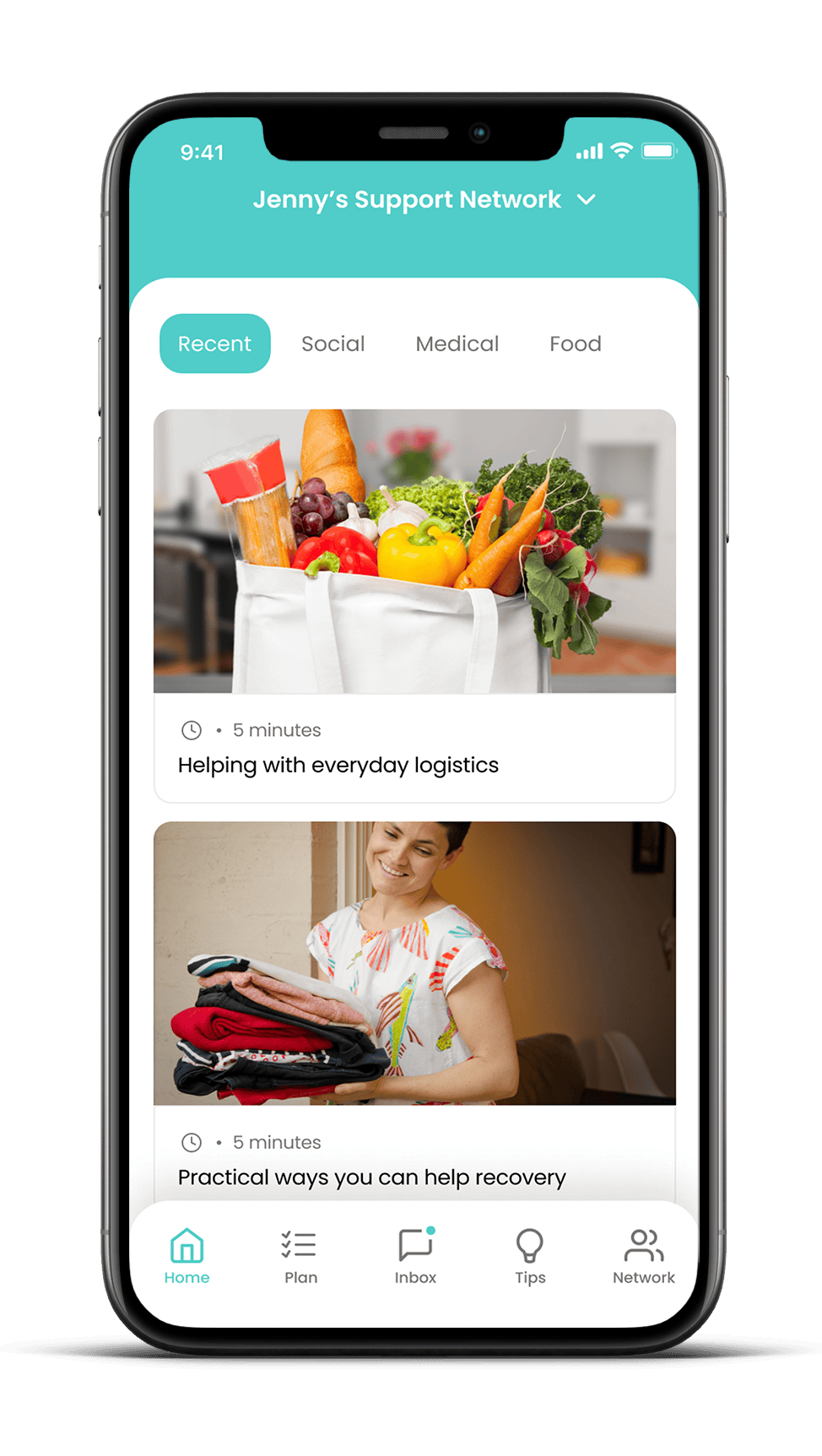
Step 3: Explore helpful content
Take a moment to read through our trusted tips and guidance. Whether you’re asking for help or offering it, we’ll help you feel confident and supported.
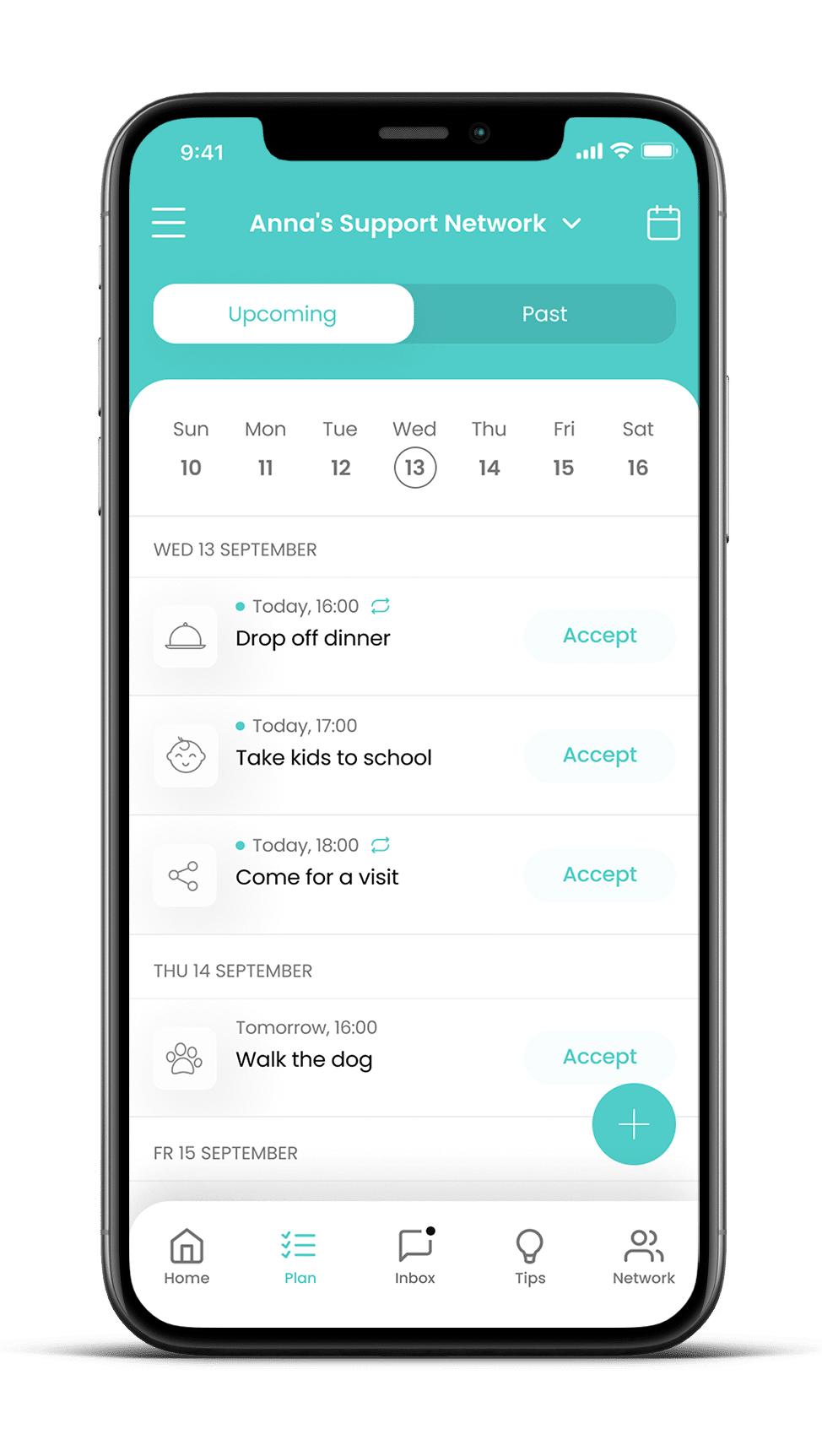
Step 4: Add some helpful tasks
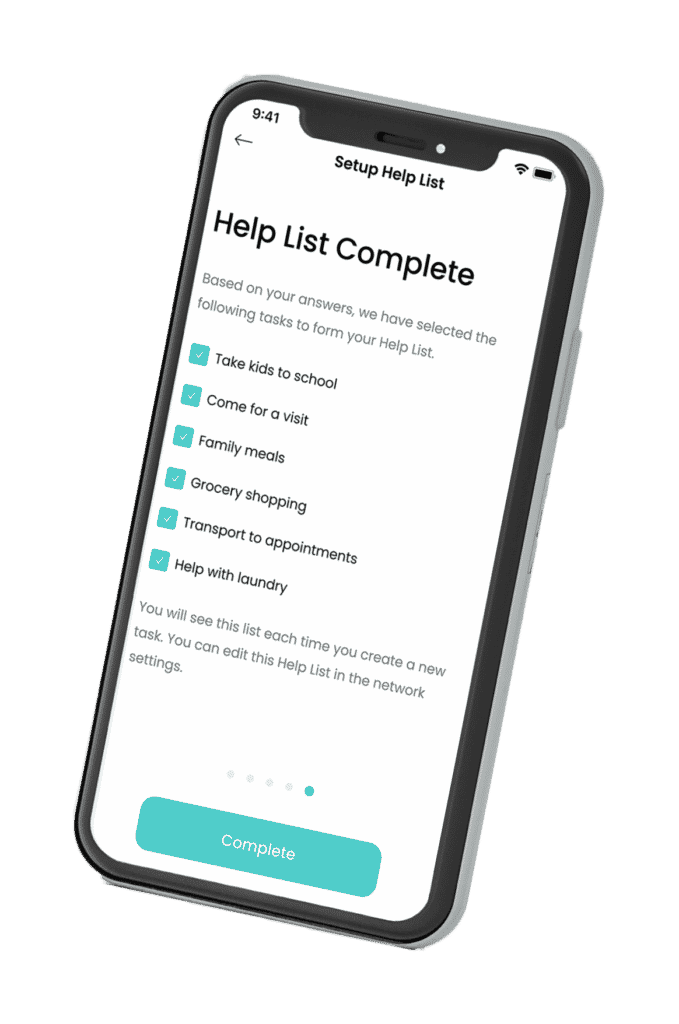
Meals, school pickups, walking the dog, errands, emotional check-ins—whatever would lighten the load. Start small and build from there.
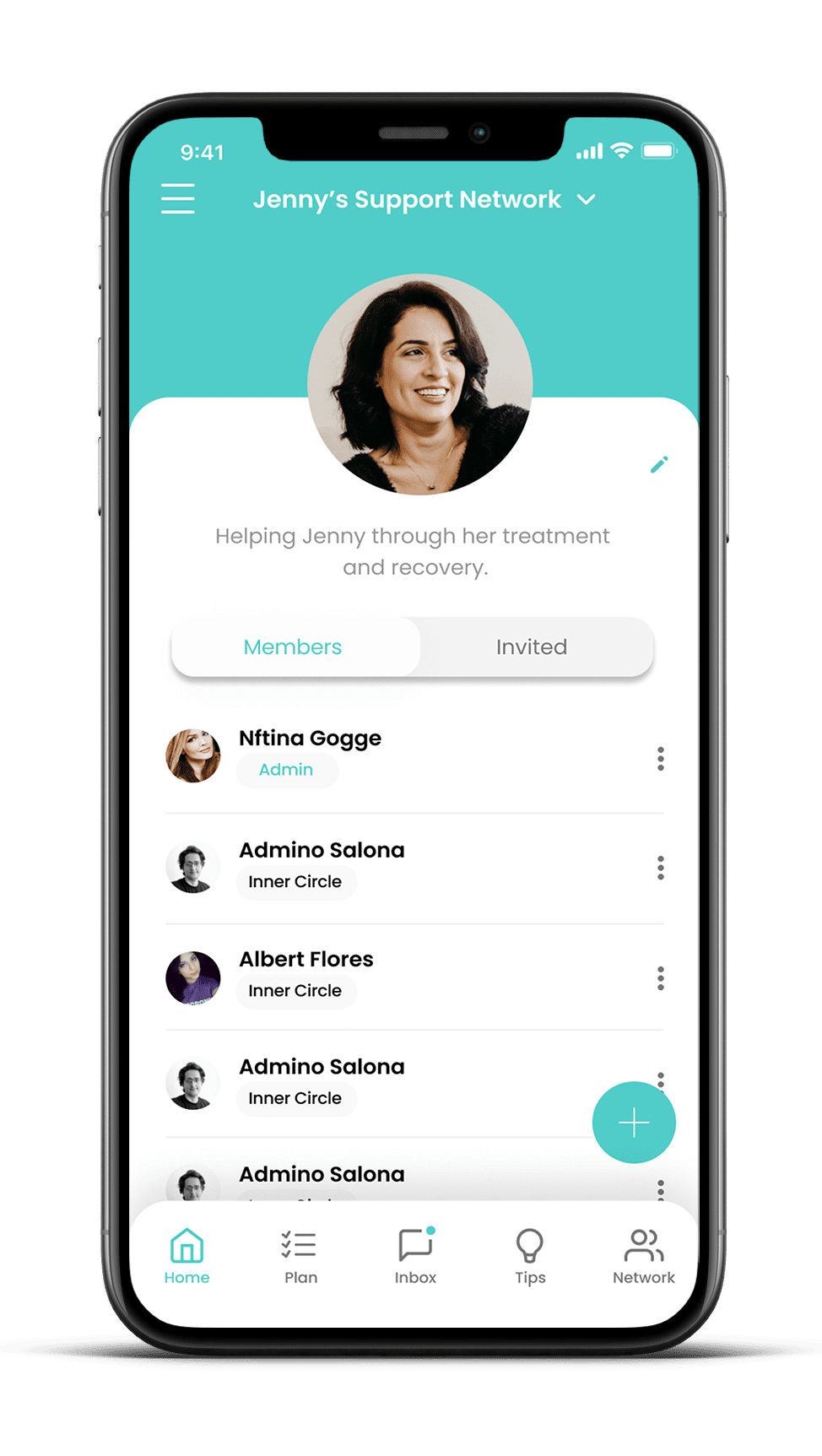
Step 5: Invite your people
Family, friends, neighbours, and colleagues can be invited to join your crew. They choose the tasks they can help with—no pressure, no confusion.
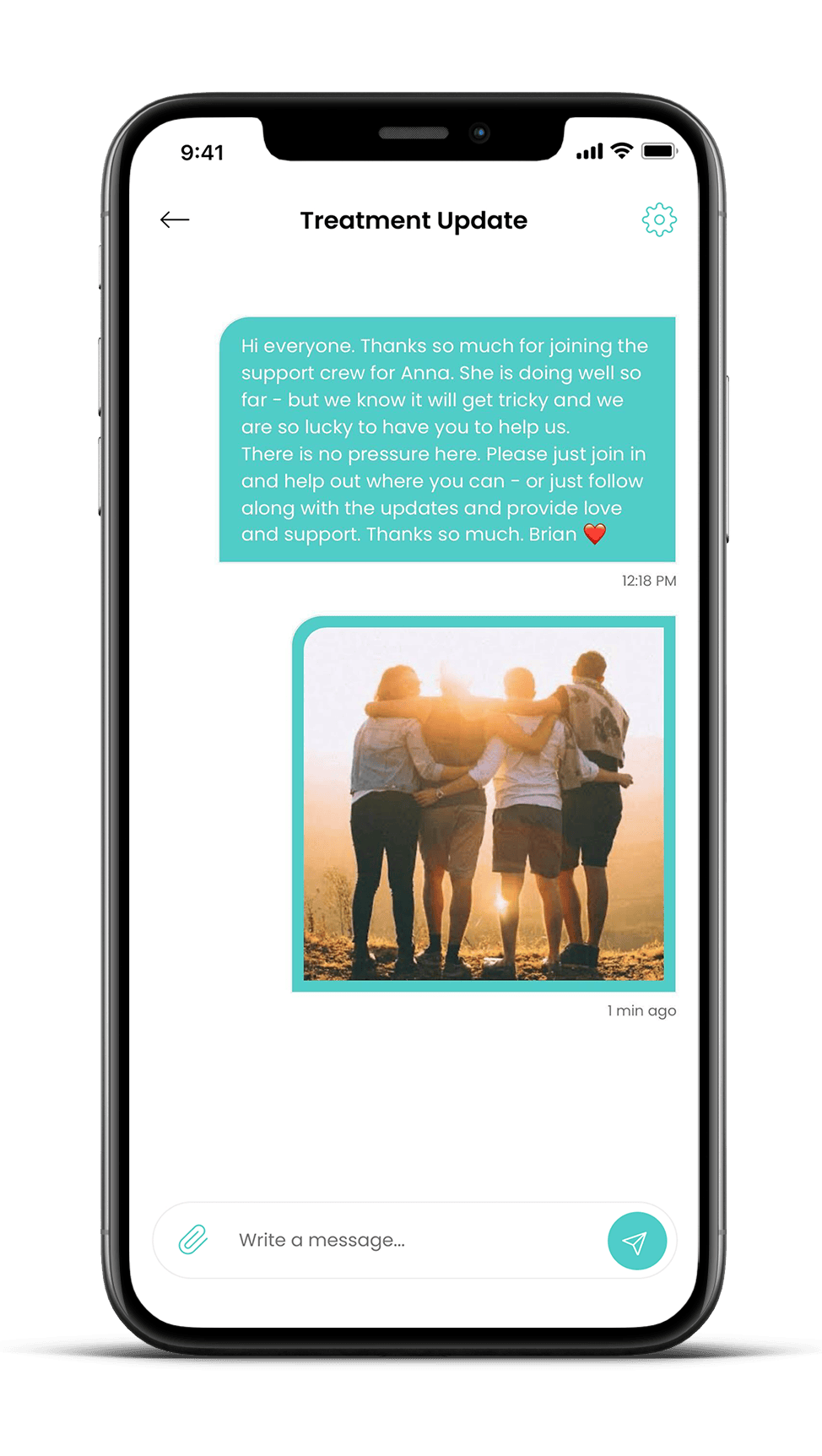
Step 6: Post a welcome message
Let your crew know you appreciate them being there. A simple message helps set the tone and brings everyone together.
Step 7: Track and coordinate with ease
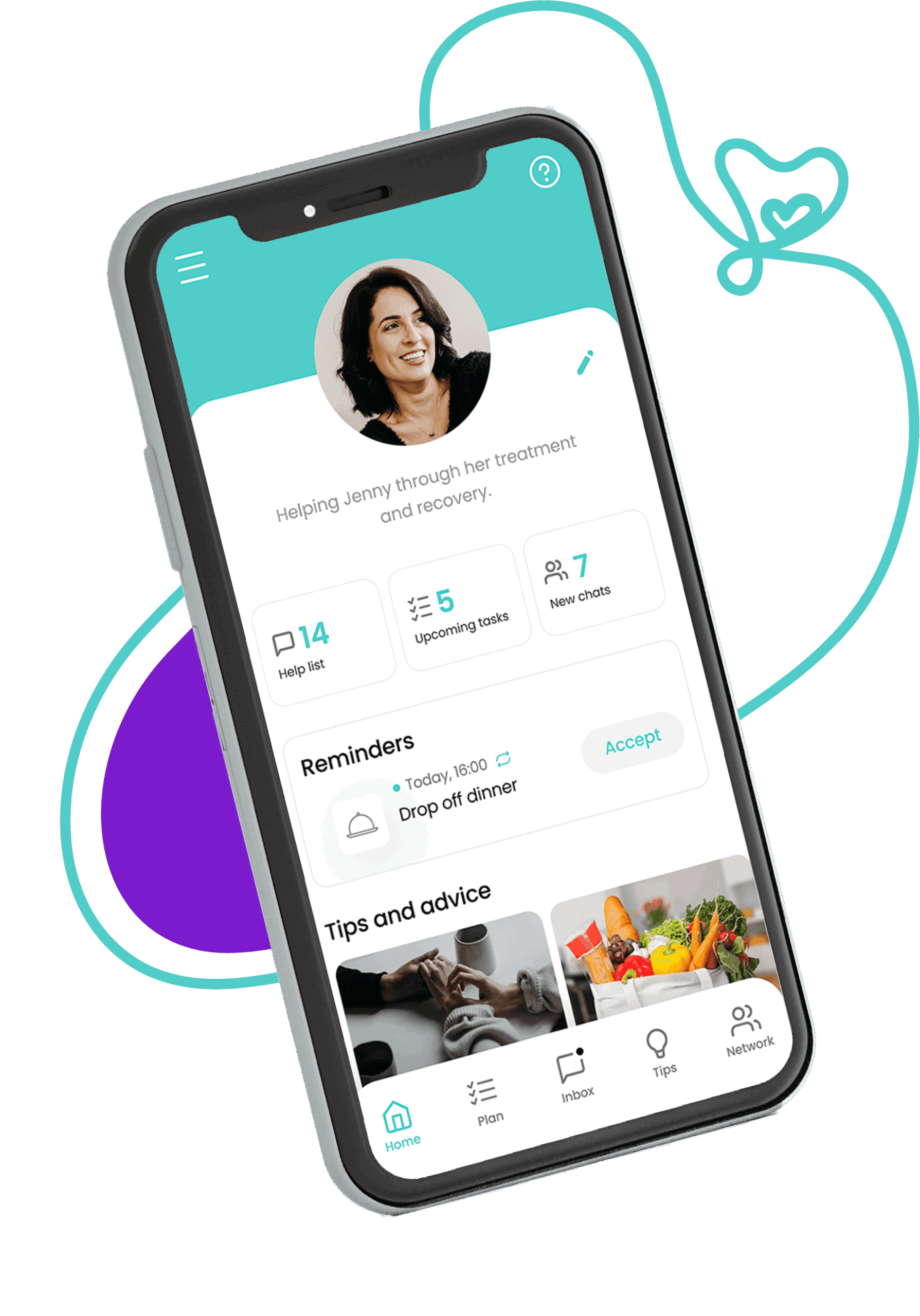
Everyone can see what’s needed and who’s doing what—so nothing falls through the cracks and you don’t have to chase things up.
“Wednesday is my day off. So I’d be more than happy to walk the dog.”
“I’ll take Anna’s kids with mine to school. Easy since they’re so close by”
Yes. You can allocate as many people to be administrators as you wish. These people can add and delete tasks, invite Crew Members, send messages and edit details. To give a Crew Member admin rights, you need to click on the name of the person in your Crew and allocate them admin rights within their details.