August 31, 2026
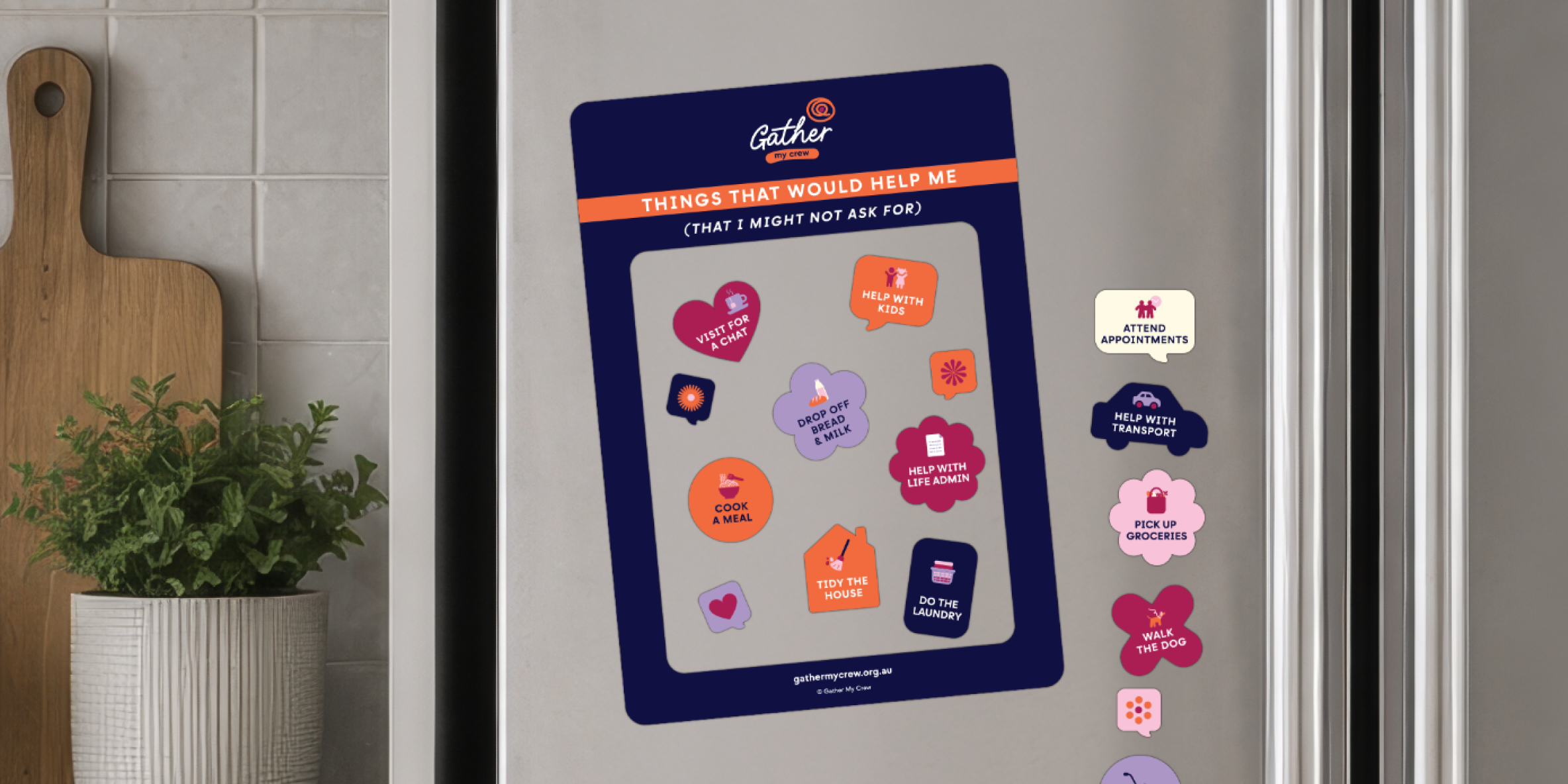
Door Hangers
When people ask, “How are you?” the answer can change from one day to the next. Some ...
Read more


The Gather My Crew app is a simple and powerful way for sports clubs to coordinate practical support for a member going through a tough time. Anyone can get a crew together quickly. Here are 5 things to keep in mind.
1. Always check with the person first
No crew gets set up without the person’s permission. Have a simple conversation. Let them know the club would like to help coordinate some support and ask if they’d be comfortable with that. Reassure them that they’re in control of the tasks that get listed, who gets invited, and who sees what.
2. Check whether they already have a crew
They might already have a Gather My Crew account set up by someone in another part of their life. If they do, offer to join it rather than starting a new one. If they don’t, ask whether they’d like to set it up themselves or whether they’d prefer someone to do it for them.
3. Nominate a Captain and a couple of Admins
If they’d like help setting things up, nominate one person to be the Captain. The Captain creates the account, builds the task list, and invites the crew. It’s also worth adding the person in need as an Admin, along with one or two people from their wider circle who might want to add tasks or invite people. Admins have the same permissions as the Captain. Two or three is plenty.
4. Think beyond the club
Transport to training and help with kit are a great place to start. But club members can do so much more. Lawn mowing, grocery runs, meals, help around the house, keeping someone in the loop when they can’t make it to games. Make sure the task list reflects the full picture of what someone needs, not just what happens at the club.
5. Make it part of club culture
The clubs that do this best are the ones that treat it as standard practice. Someone is doing it tough, so the club pulls together. No fuss, no fanfare. Just people showing up for one of their own. The more normal it becomes, the easier it is for people to say yes to help.
If you need any help getting your account set up, visit our FAQ page or email our support desk at. A real person will read your enquiry and get back to you.
Every story is a reminder that none of us has to do it alone. Share yours and help thousands of others who are in need of help.