August 31, 2026
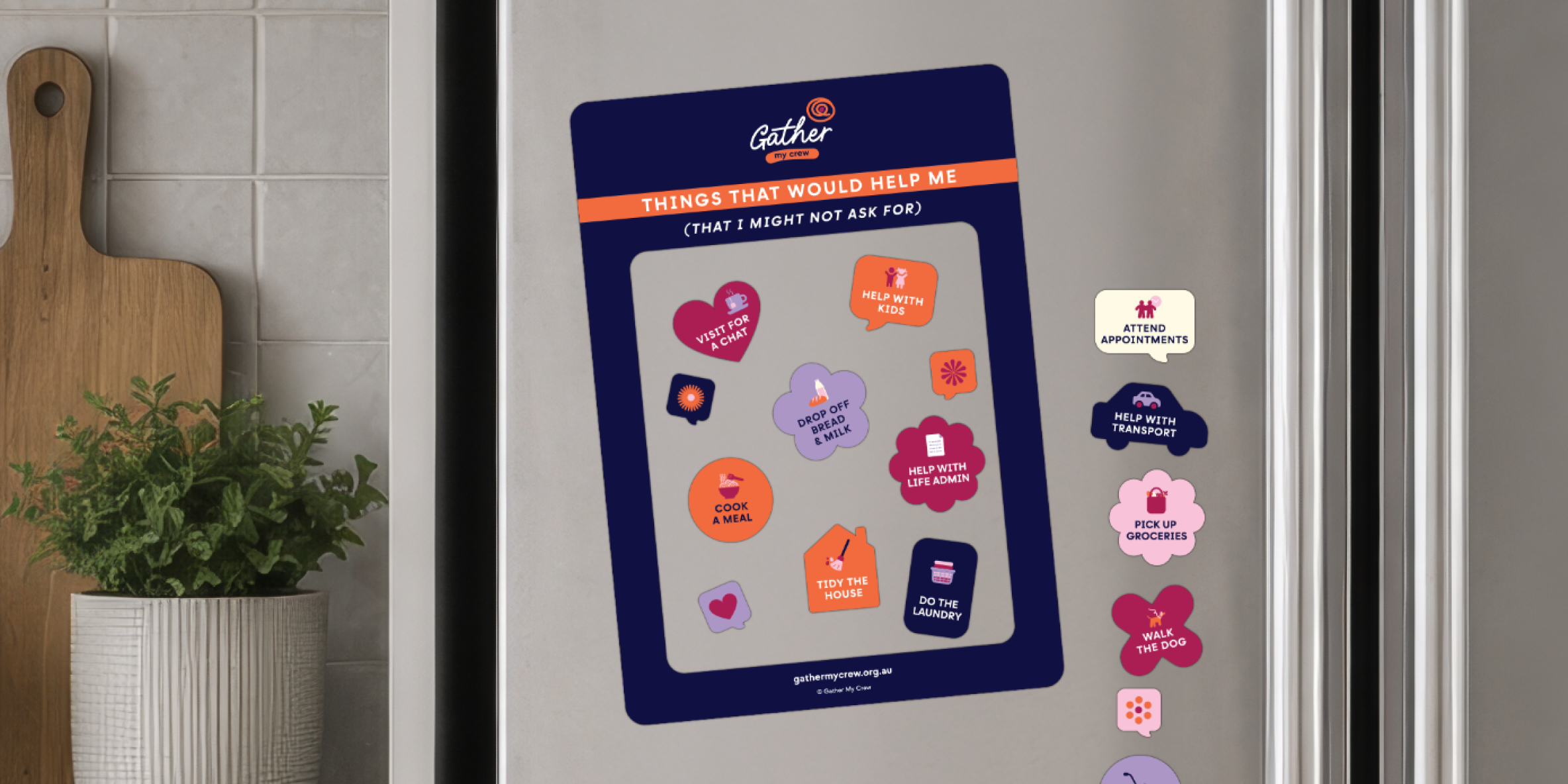
Door Hangers
When people ask, “How are you?” the answer can change from one day to the next. Some ...
Read more

So you’re thinking about using the Gather My Crew app. Good. Do it. Seriously. If there’s ever been a moment to let people help, this is it, and the GMC app makes it so much easier than trying to coordinate everything yourself.
We asked 10 real Gather My Crew App users for their top tip so you can get started with extra confidence. Here’s what they said.
1. You don’t have to set it all up at once
“Thinking you need to set everything up at once can feel overwhelming. I found it much easier to set up a quick chat and just a few tasks to get things rolling. Then I came back and add some more tasks, details and crew members over the next few days.”
2. Don’t forget your social media contacts
“I had a lot of contacts on social media, but I didn’t have their phone number to invite them to the crew. So, I shared the in-app invite link via DM and they joined that way. I had so many people join that way.”
3. Get the details (and permission) before you set up a crew on someone’s behalf
“If you’re setting up an account for a friend or family member, loop them in first. You’ll need to know what kind of help they want, when they want it, and who they’re comfortable asking.”
4. Crew members: keep your notifications on
“Sometimes requests for help were added and I missed them because I turned off notifications.”
5. If tasks are flying out, add more
If all the tasks are claimed quickly and crew members are missing out, that’s a sign to add more. I’d only added the bare minimum but then people started contacting me asking for something to do so I added more. People want to help. Let them.
6. Use the app to let people know how to show up
“Knowing when to visit and when to give someone space is genuinely helpful. Through the app, you can let your crew know when you’re up for company and when you need a quiet day. It takes the guesswork out for everyone.”
7. Don’t think you have to invite everyone in one go
“It’s tempting to invite everyone you know. But I invited 40 people and then didn’t have enough tasks for them to do. Start with your most trusted people and then add more as you need.”
8. Add the details to meal tasks
“My friends wanted to know exactly what to cook for us. And I wanted to make it easy for them to help. So, I added notes into the app about what we like, what we couldn’t eat and our family favourites. I even dropped recipes in via the chat function. It meant that we got the food we like to eat and our friends had full confidence that what they were dropping off was right for us.”
9. Keep task descriptions short and clear
“At the start, I spent so much time entering heaps of written information for each task and thanking everyone over and over… It took SO long. By the end, information was short and to the point. My Crew told me it was so much easier to understand what I wanted.”
10. Appoint a ‘sweeper’
“I designated one person in my crew to keep an eye on tasks that hadn’t been claimed after a week or so. They swooped in and picked up any tasks. Just make sure it’s someone with a bit of flexibility in their diary.”
Ready to give it a go? Download the Gather My Crew app and let the people who love you show up for you. ⭐
Every story is a reminder that none of us has to do it alone. Share yours and help thousands of others who are in need of help.